Minecraft Dungeons II
The official game launched September 29. Start here to explore its version of The Sift.
Inside the official game ↗The Sift is a new dimension, available in Dungeons II, planned for Java & Bedrock in 2027, and already reimagined by community creators.
Sources checked 30 Sep 2026 · Official & community routes
The official game launched September 29. Start here to explore its version of The Sift.
Inside the official game ↗The original Minecraft editions have a future release planned. An exact date is still to come.
Check current availability ↗Independent creators offer different takes. Match the author, edition and file to your setup.
Compare six projects ↗Dungeons II, vanilla Minecraft and community projects each have their own route. Start with the one you play.
Choose your version →Similar names can hide very different mods. Compare their authors, project IDs and release files.
Meet the creators →Follow the Ancient City setup and eight-note song, with a quick reference beside the full steps.
Learn the portal song →Choose a project by who made it and how it works, not by its name alone.
An Ancient City song portal and a world of new creatures, landscapes and resources.
View project →A separate early-alpha project with a Warden-key entrance.
View project →Compare trotamundos872 and Korvvvik, including their different package structures.
Compare add-ons →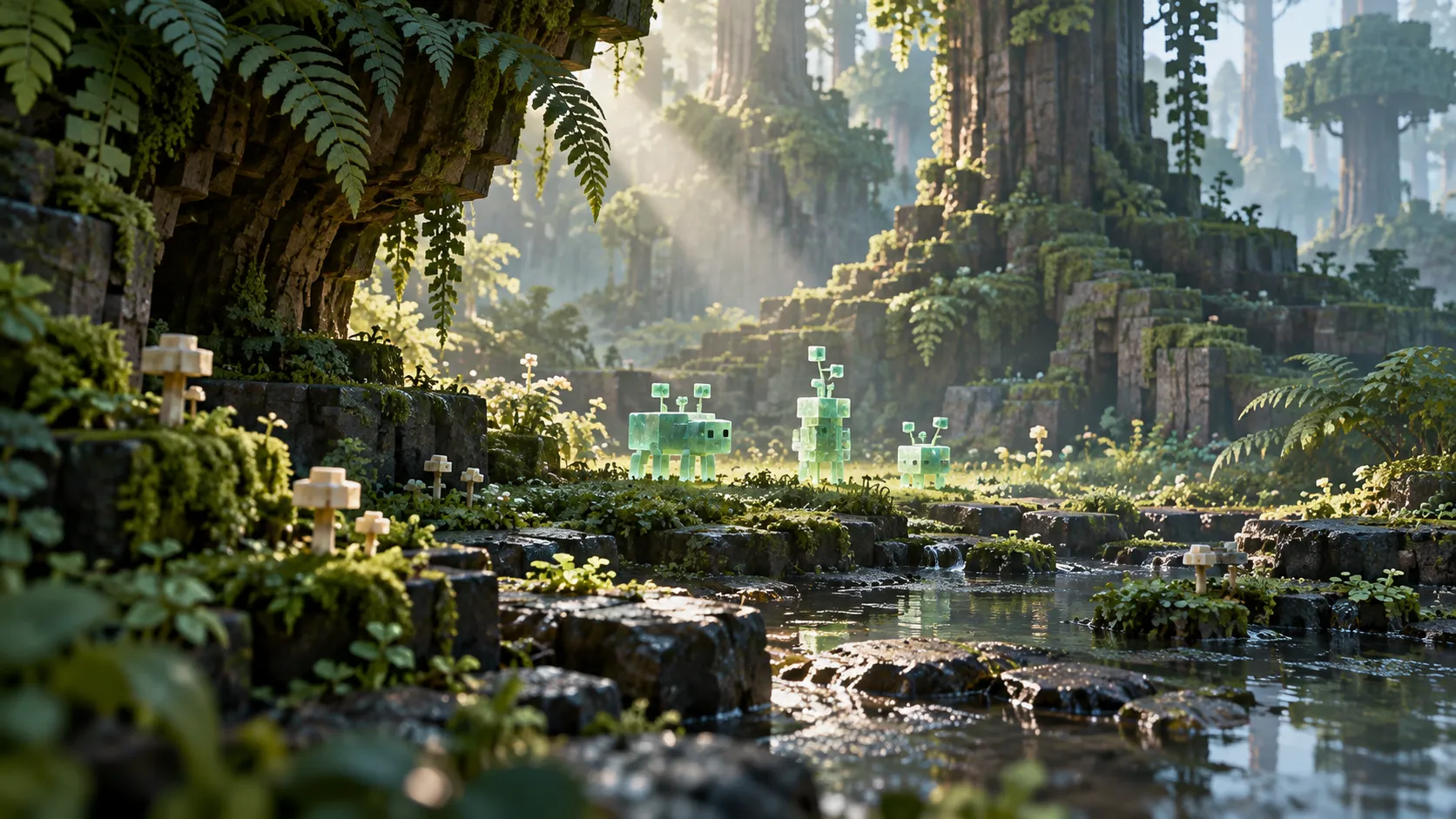
Keep official creatures and each creator’s implementation in context.
Compare The Sift mobs →Get oriented with the areas named in the official introduction to The Sift.
Explore The Sift biomes →
Find Mielon’s Siftite, Ichor and portal materials with their version-specific uses.
Browse blocks and items →The official launch brings the new dimension into players’ hands.
Minecraft Live sets the direction for the original editions in 2027.
The Sift is a dimension introduced in Minecraft Dungeons II. Mojang also announced plans to bring it to Minecraft in 2027. Read the Xbox announcement.
The official plan names 2027. Current community mods and add-ons are separate projects. Use the version guide to find your route.
No. Match a tutorial to its author and project. The eight-note song belongs to Mielon’s implementation.
Our project comparison links to each author’s CurseForge page and verified file examples. Downloads remain with their original publishers.
Minecraft The Sift currently describes several experiences that share an idea but need different instructions. The official setting in Minecraft Dungeons II belongs to that game. The announced Java and Bedrock release is a future Minecraft update. Community creators publish separate Java mods and Bedrock add-ons that can already be explored through their own releases. Identifying which one you saw is the quickest way to find useful help.
Start with the game title and the creator credit on the page, video or download you are using. A clip of an Ancient City portal played with Note Blocks can lead to Mielon’s implementation. A guide involving a Warden Key belongs to a different community project. A reference to the Dungeons II launch concerns the official game. These details tell you more about the next step than the word “Sift” by itself.
Use the project page to choose a release, then the task guide for the entrance, creature, or material you need. The author credit stays with each route so a recipe remains attached to the project that uses it.
Go to the release timeline for current dates and the Minecraft Live story for the September 26 reveal. The timeline keeps the Java and Bedrock 2027 window beside the separate Dungeons II launch.
For the official playable route, read the Dungeons II overview. It covers the setting, named areas, creatures, and navigation aids documented for that game.
Open current availability and select the edition you actually play. For Java community projects, the next checks are the author, Minecraft version and loader. For Bedrock, the package format and your device’s import support also matter. Choosing “Minecraft” without the edition leaves too much unresolved to pick a file or a portal tutorial reliably.
The community project comparison brings six records together. Mielon and Wellspring have their own project pages, the two similarly named Backport projects are compared by author, and the Bedrock page distinguishes two different add-ons. Choose from those records before following installation instructions; a familiar project title is only the beginning of the identification.
Use the local file checker when you want to read the package’s declared name, loader, version requirements or pack type. The file stays in your browser. Then compare those declarations with the release you intended to download, using the compatibility checker and the author’s file page.
This two-part check answers different questions. The release listing tells you how a publisher labels a file. Package metadata tells you what the file declares internally. Neither result needs to be stretched into a guarantee about a complete modpack. If the two disagree, resolve the identity of the package before moving on to a portal guide.
Once Mielon’s project is installed, the portal song guide covers the Ancient City setup and note sequence. The practice tool helps distinguish selecting the right note from playing the sequence in order. It is a reference beside the game, so the written checks remain available while you work through the actual entrance.
After that, the beginner guide turns an open-ended trip into a manageable first objective. Choose what you want to investigate, understand the return conditions, and carry the supplies that the task needs. Finding a resource, learning a creature interaction and scouting a route are different objectives; you do not have to complete all of them on the same visit.
For resources, start with blocks and items. It explains how the named materials connect to useful actions. Continue to Siftite for upgrades and equipment choices, or Ichor for liquid collection, storage and uses. Those pages keep the detailed material questions out of a general exploration checklist.
The mobs directory is the better route when an unfamiliar creature interrupts your plans. It separates official appearances from Mielon’s documented behaviors and points to the focused Blub guide. If the environment itself is your question, use biomes to distinguish named official areas from the terrain and conditions described for the mod.
Match a mechanic to its project and release. The Blub guide, for example, separates the official Deluxe pet from Mielon’s Soul Block taming route. Use the section for the game you have launched.
Release records add another layer. An author can publish separate files for different versions or loaders, and a changelog can introduce behavior after an earlier guide was written. When installing, use the selected file’s requirements. When checking a mechanic, look for the source and version context attached to the explanation. A site’s review date tells you when its sources were checked, not that every older release behaves identically.
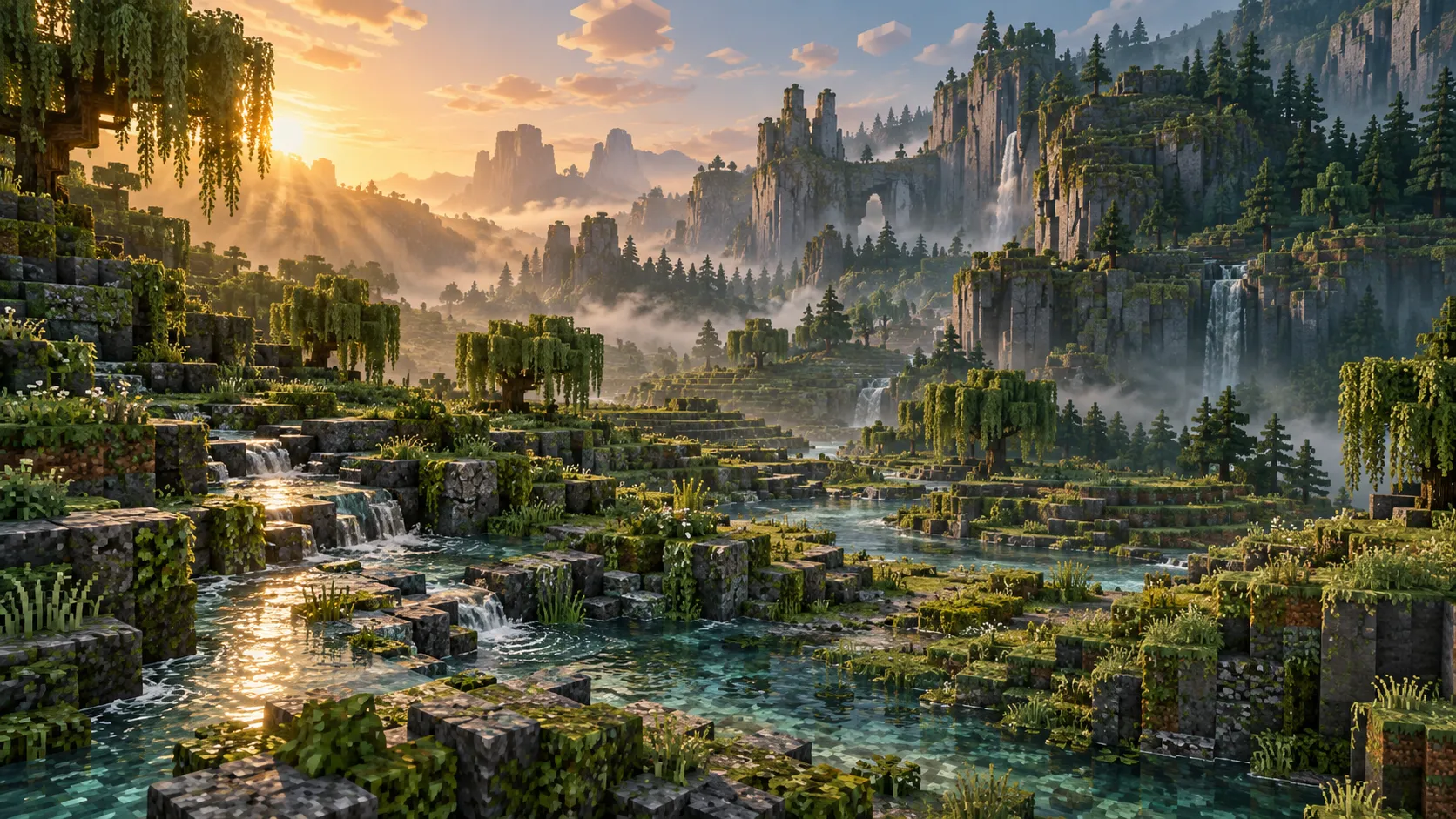
Our articles link to original publisher and official pages for the claims that depend on them. Editorial comparisons, route suggestions and diagrams organize those facts around a player task. Original landscape artwork helps illustrate the topic, but is labeled concept art rather than a record of gameplay. Read a diagram for the relationship it explains and a source link for the fact behind that relationship.
The news directory records meaningful announcements and launches with dates and source links. It is useful when you want to understand what changed. The version and release pages answer what those changes mean now. Keeping both views lets an event remain an accurate historical record while the current answer continues to evolve.
You can request email updates through the subscription form when you want new announcements and substantial guide changes. Confirmation happens through the email you request, and each update provides a way to unsubscribe. If you find a broken source, a release mismatch or a step that belongs to another project, send the page URL and the specific correction through Contact. That gives the review a clear starting point without asking you to share your world or private files.