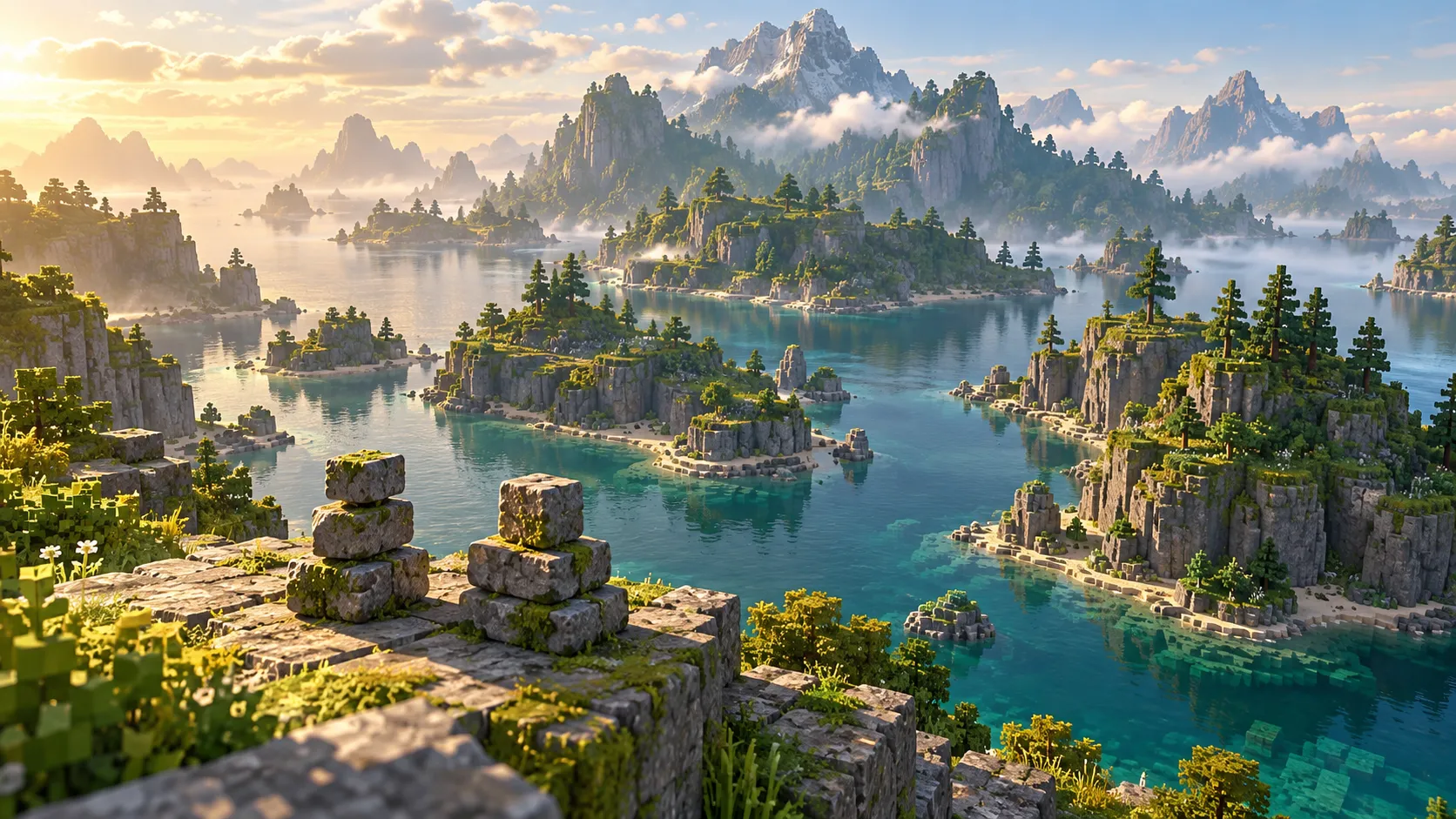
Choose your Bedrock Add-On
For The Sift addon, start with the author. The two projects below have similar names but different packages. Choose one before following an import or portal tutorial.
| Author | Project ID | Checked package | Entrance evidence |
|---|---|---|---|
| trotamundos872 | 1713398 | 0.3 RP and BP .mcpack files | Author gives an Ancient City procedure |
| Korvvvik | 1717306 | the-sift-dimension-addon.mcpack, 26.50 | Listing mentions Ancient City; detailed steps not verified |
trotamundos872: match the RP and BP
The The Sift Add-On files list The Sift WE 0.3 RP.mcpack and The Sift WE 0.3 BP.mcpack. Keep the matching release pair together: resource and behavior packs have different roles.
The The Sift Dimension Add-On instructions say to clear sculk from the Ancient City portal and use flint and steel. The author also gives /the_sift:travel as a command route. These instructions belong to this project.
Korvvvik: inspect its own package
The accessible The Sift Dimension Addon files list one .mcpack file for 26.50, dated September 29. The project’s The Sift Dimension Addon gallery includes a portal image.
A portal image does not supply activation steps. Use this author’s instructions when available rather than importing the other row’s recipe.
Prepare the import
Our suggested workflow is to back up the intended world and try the package in a new world first. Keep the author’s files together, then use the import route available on your device. After import, check the world’s active packs before investigating a portal.
On a phone or a device with file import available, first confirm that Minecraft can open the selected package. A console’s options can differ; do not assume a downloaded file can be installed there just because the game is Bedrock. Confirm the device’s supported route before spending time on activation.
The file checker can help inspect a local package. Compare its findings with the author and release you selected; an extension alone does not identify the project.
Add-On questions
Why do I have two files? The first project distributes resource and behavior components separately. Keep the release versions paired.
Is this the official Bedrock update? These are community projects. Use release timing for the vanilla plan.
Which entrance guide should I use? Start with the author above, or return to how to get to The Sift if you need to identify your setup.