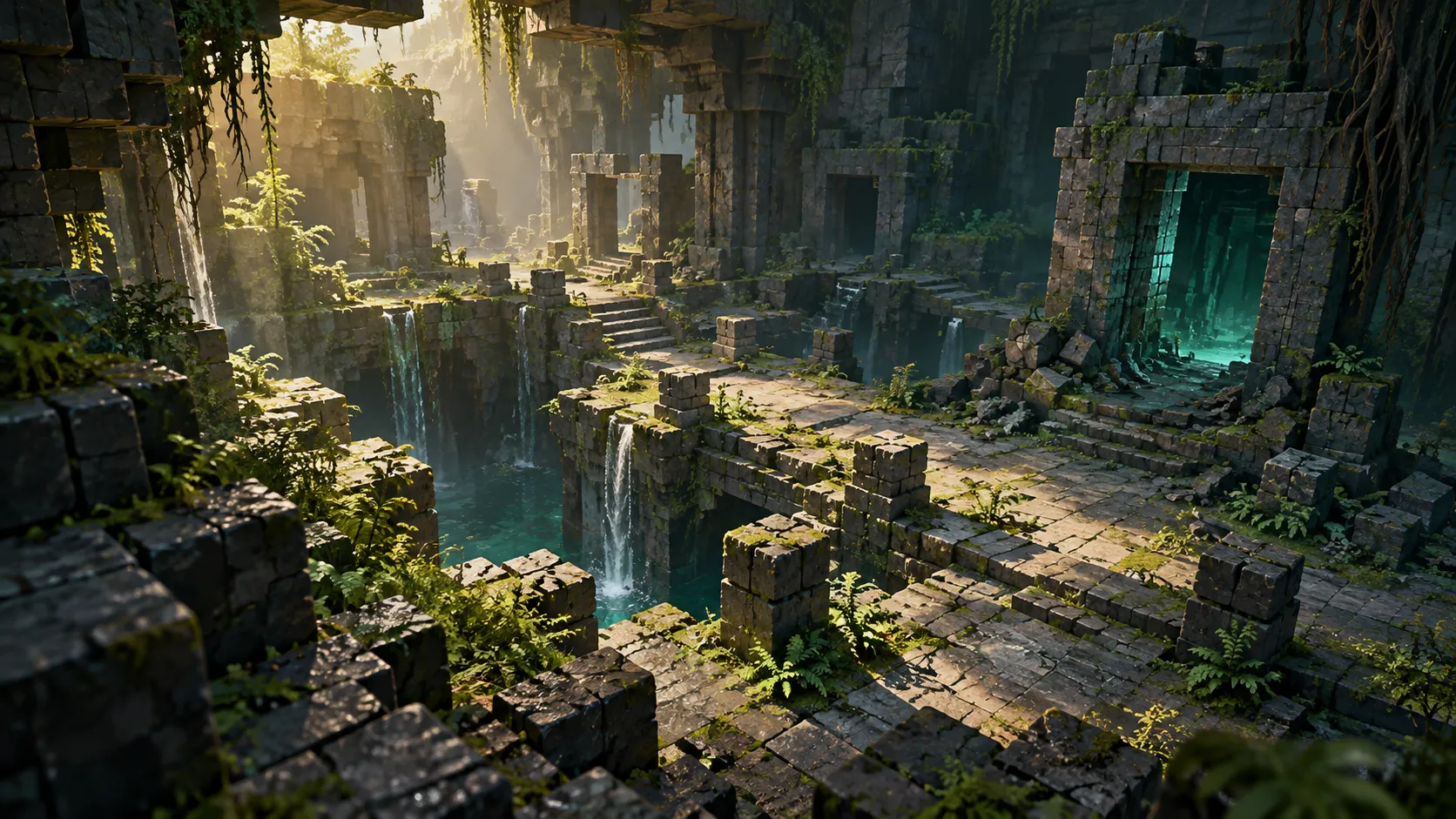
Install The Sift plugin in the server’s plugins folder, then start and restart the server. On Minecraft 1.21.3 and newer, the second start loads the custom biome datapack created on the first. Java players use the server’s resource pack for the custom visuals; they do not install Mielon’s mod to join this project.
This guide covers Skilleed’s plugin, version 1.6.8, published on Spigot. The similarly named Mr_Prateek Bukkit project is a different implementation. Check the author before using the commands below.
Check the server and Java version
The author supports Spigot, Paper and their forks from Minecraft 1.20 to 26.3, using one plugin JAR. Match the Java runtime to your server’s Minecraft version:
| Server Minecraft version | Java listed by the author |
|---|---|
| 1.20–1.20.4 | Java 17 |
| 1.20.5–1.21.11 | Java 21 |
| 26.x | Java 25 |
Java players need no other plugin for the basic setup. Geyser 2.11 or newer is the author’s requirement for Bedrock clients; that is an optional crossplay setup, not a Bedrock .mcpack to import into a local world. For the latter, use the Bedrock Add-On guide.
A Fabric, Forge or NeoForge installation is another route entirely. If your downloaded project is Mielon’s, use Mielon’s The Sift installation and project guide instead of moving its mod JAR into plugins.
Visual differences on older server versions
The author supports the older versions above, but their visuals differ. Check the server’s Minecraft version before treating one of these limitations as a broken resource pack:
| Older than… | Documented difference |
|---|---|
| 1.21.3 | Vanilla biomes: no turquoise sky, custom fog color or Sift music |
| 1.21.2 | Worn Prism Armour, Phase Boots and Crown use their vanilla armor appearance; inventory icons remain custom |
| 1.21.6 | Creature animations are less fluid |
| 1.20.5 | Items retain vanilla stack sizes and have no rarity color |
Install The Sift plugin and load its datapack
- Download the plugin from Skilleed’s Spigot project page and put
TheSift.jarin the server’spluginsfolder. - Start the server. The plugin creates its Sift world, installs the biome datapack and builds the resource pack.
- Restart once more. On 1.21.3+, the datapack’s sky, biome colors and music load on this next start. Older servers retain the vanilla-biome limitation above.
- Join and accept the offered resource pack. If you declined it, run
/sift packto request it again.
The author documents a separate world named the_sift, so you can install the plugin on a server with an existing Overworld. Keep a backup before changing the server’s world or plugin configuration. If part of the new dimension generates like the Overworld, check your world manager: the author’s troubleshooting section warns about managers loading this world without its custom generator. Previously generated terrain is not automatically repaired by correcting that setting.
For an initial configuration check, an administrator can run /sift doctor. It checks the world, resource pack, datapack and optional Nexo/Geyser integrations, then reports what needs attention.
Build the amethyst portal
This plugin uses a Sift Catalyst and an upright Block of Amethyst frame. You do not need an Ancient City or Mielon’s instrument melody.
Craft the Sift Catalyst
Place four Amethyst Shards around one Ender Pearl in a crafting table. Leave the corners empty:
| Left | Center | Right |
|---|---|---|
| Empty | Amethyst Shard | Empty |
| Amethyst Shard | Ender Pearl | Amethyst Shard |
| Empty | Amethyst Shard | Empty |
Read the three rows from top to bottom: the shards form a cross around the pearl.
Light the frame and travel
Build the frame from Blocks of Amethyst, leaving an empty opening at least two blocks wide and three blocks tall. The author allows openings up to 21 blocks in each dimension, with optional corners. Shards and clusters are crafting materials, not replacements for the solid frame blocks.
Right-click inside the frame with the catalyst. A valid opening fills with a turquoise swirl. If activation fails, the catalyst reports the problem and outlines missing or obstructing blocks in red; holding it while looking at the frame also previews the problem. Check those outlines before rebuilding the whole doorway.
Stand inside for three seconds to travel; Creative travel is immediate. The first trip creates a linked return portal on the other side. Entities and dropped items can travel too. Breaking a frame block closes that portal, and the plugin prevents building inside an active opening.
Fix missing textures and resource-pack downloads
Note-block-looking terrain or invisible creatures usually point to the missing resource pack, according to the author’s troubleshooting guide. Start with /sift pack and check where the server log says the pack is being downloaded from.
The unmodified published pack uses jsDelivr when resource-pack.cdn: true and a published pack is available for that Minecraft version. This path needs no extra serving port. A customized pack in pack-overrides, or a configuration with the CDN disabled, uses the generated plugins/TheSift/thesift-pack.zip instead.
For that custom pack, choose one delivery route:
- Built-in hosting: make port 8163 reachable and set
resource-pack.public-hostto the server’s public address. - Your own hosting: upload the ZIP to a direct-download address and set
resource-pack.urlto it.
Do not open an extra port just because someone declined the ordinary CDN pack. Reoffer it first, then diagnose the actual delivery route shown in the log. After texture replacements, /sift reload rebuilds the pack and reoffers the changed version to players.
Let Bedrock players join through Geyser
With Geyser 2.11+ on the same server, the plugin builds a Bedrock resource pack, item mappings and TheSiftGeyser.jar on startup. Its bedrock.enabled setting accepts auto, true or false. After changing custom-blocks.mode, restart the server for Bedrock clients.
Proxy-hosted Geyser has a different setup. The generated files are under plugins/TheSift/bedrock for that integration; the author lists blocks, items and colors there, while creatures, flowers and the portal require Geyser on the server itself. Do not assume a proxy-only arrangement supplies every visual feature.
The 1.6.8 documentation also calls for ViaVersion on a 26.3 server because of Geyser’s version support at the time of writing. Check the current Geyser support for your exact server version before applying that version-specific instruction to a later release.
Choose custom-block behavior and Nexo integration
Sift custom blocks use note-block states. The plugin offers two modes, with a practical trade-off for servers that also use vanilla music builds:
custom-blocks.mode |
Author-documented behavior |
|---|---|
note — default |
Identifies custom blocks by note; vanilla note blocks cannot be tuned on the server |
instrument |
Uses note and banjo instrument; vanilla notes work except on hay bales, with possible brief visual flicker and adjacent-sand behavior differences |
Changing the mode rebuilds the resource pack, which players must accept again. Decide which behavior suits the server before building large music areas.
For Nexo, resource-pack.provider: auto or nexo merges The Sift into Nexo’s pack: TheSift.zip goes in the plugins/Nexo/pack/external_packs/ folder. The author documents stable custom_variation mappings in plugins/TheSift/nexo.yml. If another Nexo item uses the same variation, the log identifies it so the conflicting item can be changed. Set the provider to thesift to retain the plugin’s own pack delivery.
Useful commands and troubleshooting checks
| Task | Command or check |
|---|---|
| See the player’s command help | /sift |
| Request the resource pack again | /sift pack |
| Diagnose installation and integrations | /sift doctor — administrator |
| Travel to or leave the dimension | /sift tp [player] / /sift leave [player] — permission required |
| Rebuild changed pack/configuration | /sift reload — administrator |
| Find available items | /sift items — administrator |
The author lists permissions such as thesift.doctor, thesift.tp, thesift.pack and thesift.admin. If a command is unavailable, check the permission as well as whether the correct plugin loaded. Some configuration changes, including spawn intervals, need a restart rather than only a reload.
For performance, the plugin documents performance.profile: smp as the default, with public for busy servers and light for lower CPU use. Diagnose the actual load before switching profiles; these presets are configuration options, not a guarantee that every lag spike comes from The Sift.
Does The Sift plugin collect analytics?
The author says PluginAnalytics sends server/game versions, player counts, errors and plugin log lines, configuration choices and progression statistics. Players use anonymous hashes; the stated exclusions are names, IP addresses and chat. To disable that plugin telemetry, set enabled: false in plugins/PluginAnalytics/config.yml.
That setting belongs to your Minecraft server’s plugin. This website’s Privacy choices control the website’s own analytics separately.
Source and version
- Skilleed’s The Sift project — author, release identity and version 1.6.8, updated October 25, 2026.
- The Sift plugin documentation — installation, recipe, portals, commands, packs, integrations and telemetry; reviewed November 1, 2026.
These instructions summarize the author’s documentation. No server installation or multiplayer gameplay test by this site is claimed.